Part 1 · For users
Build and serve your own mocks
Everything a signed-in user can do, in order — each step builds on the last. Your namespace is assigned for you; the rest is yours to fill.
STEP 01
Sign in
Open the portal and sign in. Users land on their own endpoints; admins land on the dashboard.
- Go to
/login. - Enter your username and password.
- Seeded accounts:
admin / passwordanduser1 / password.
/abcd — is assigned automatically. Every mock you create is served under it.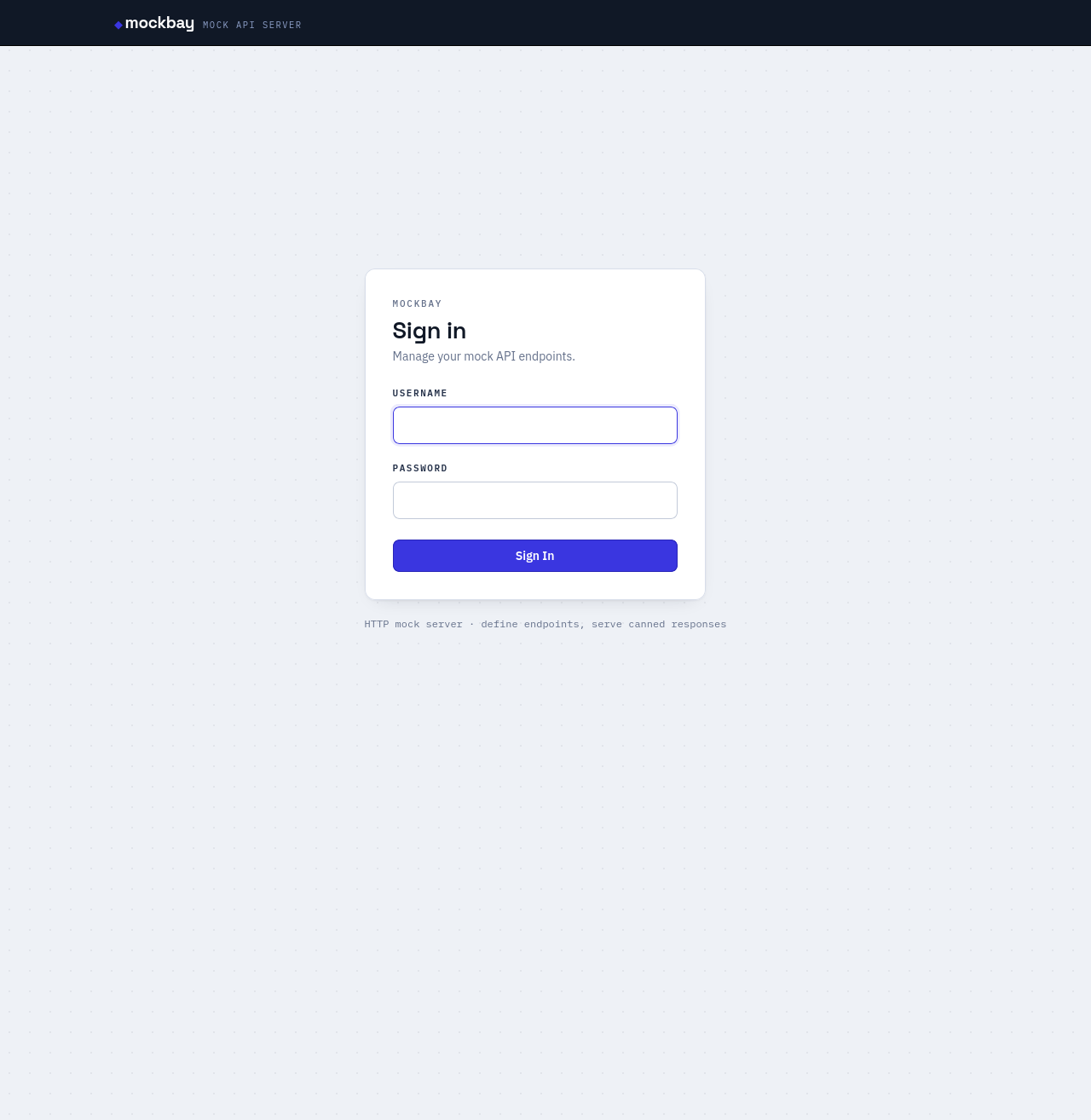
STEP 02
Create an endpoint
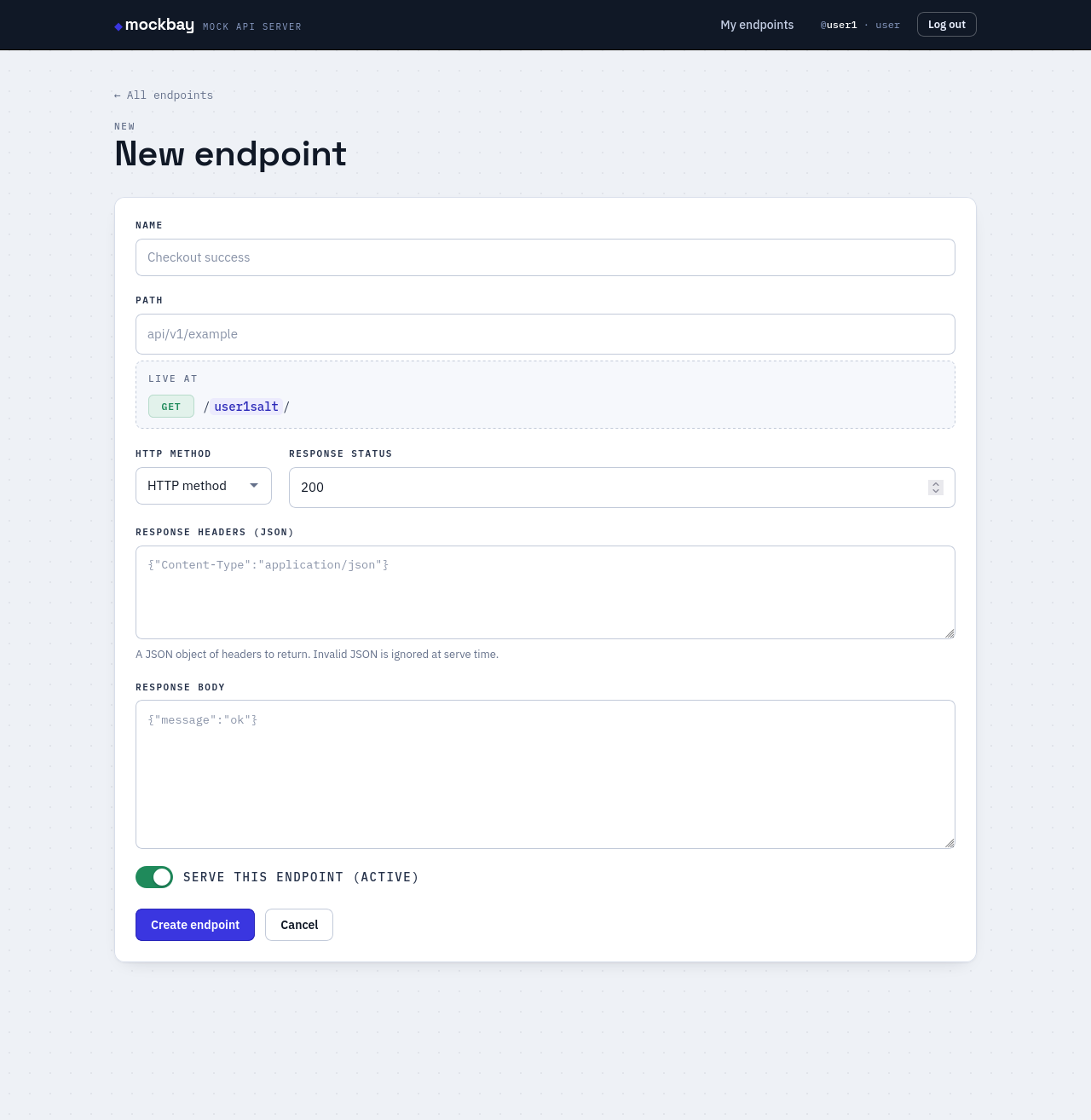
Choose a method and path, then define the response you want returned.
- Click New endpoint.
- Set the path — the live URL preview updates as you type.
- Pick the method and response status.
- Fill in response headers (JSON) and body.
- Leave active on and save.
STEP 03
Call your mock
Your endpoint is live immediately under your namespace. Match is by method + normalized path.
- Open the endpoint and press Copy to grab the full URL.
- Request
/<your-namespace>/<path>with the matching method. - You get back the exact status, headers, and body you defined.
{"error":"Mock API not found"}.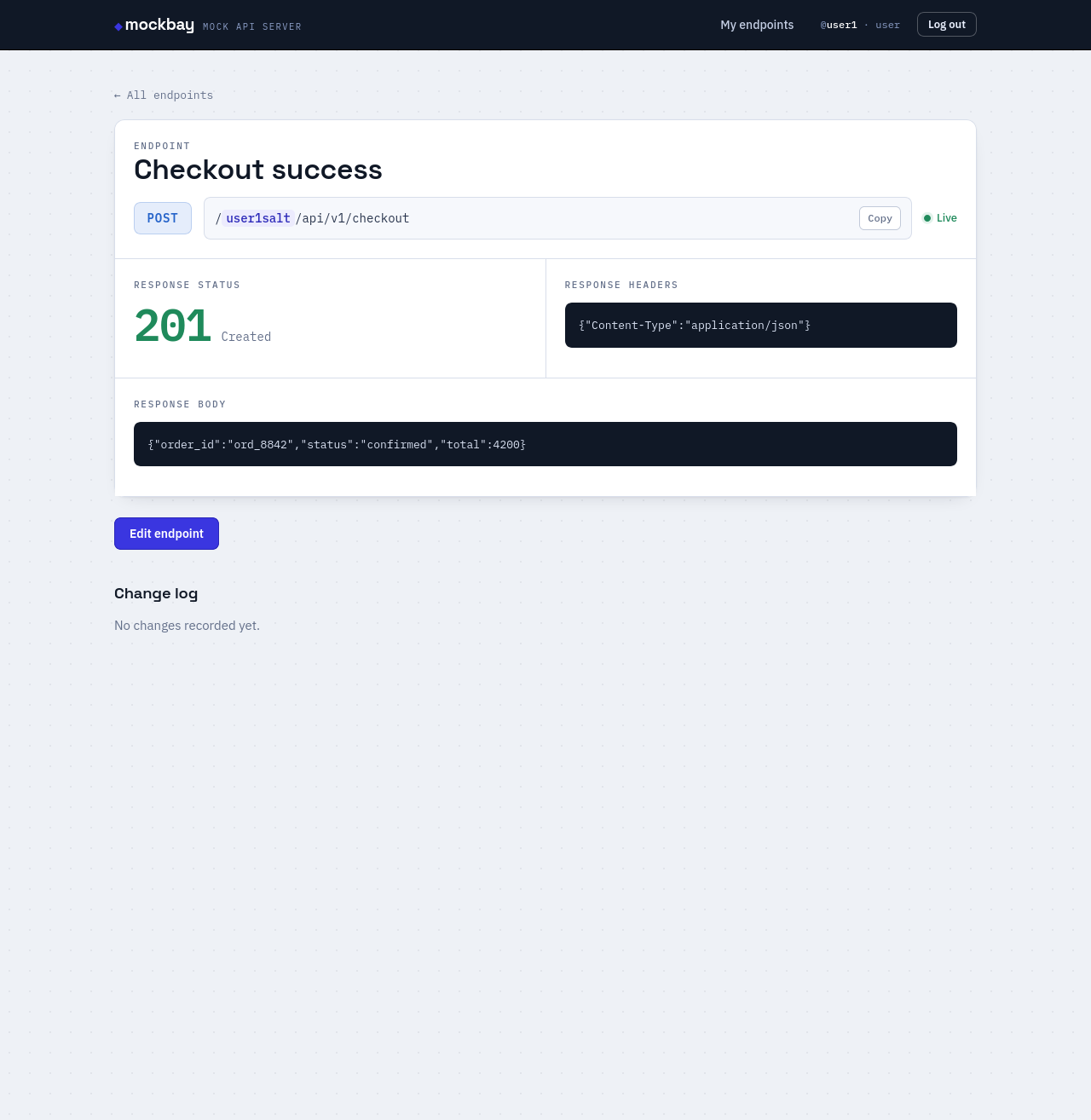
STEP 04
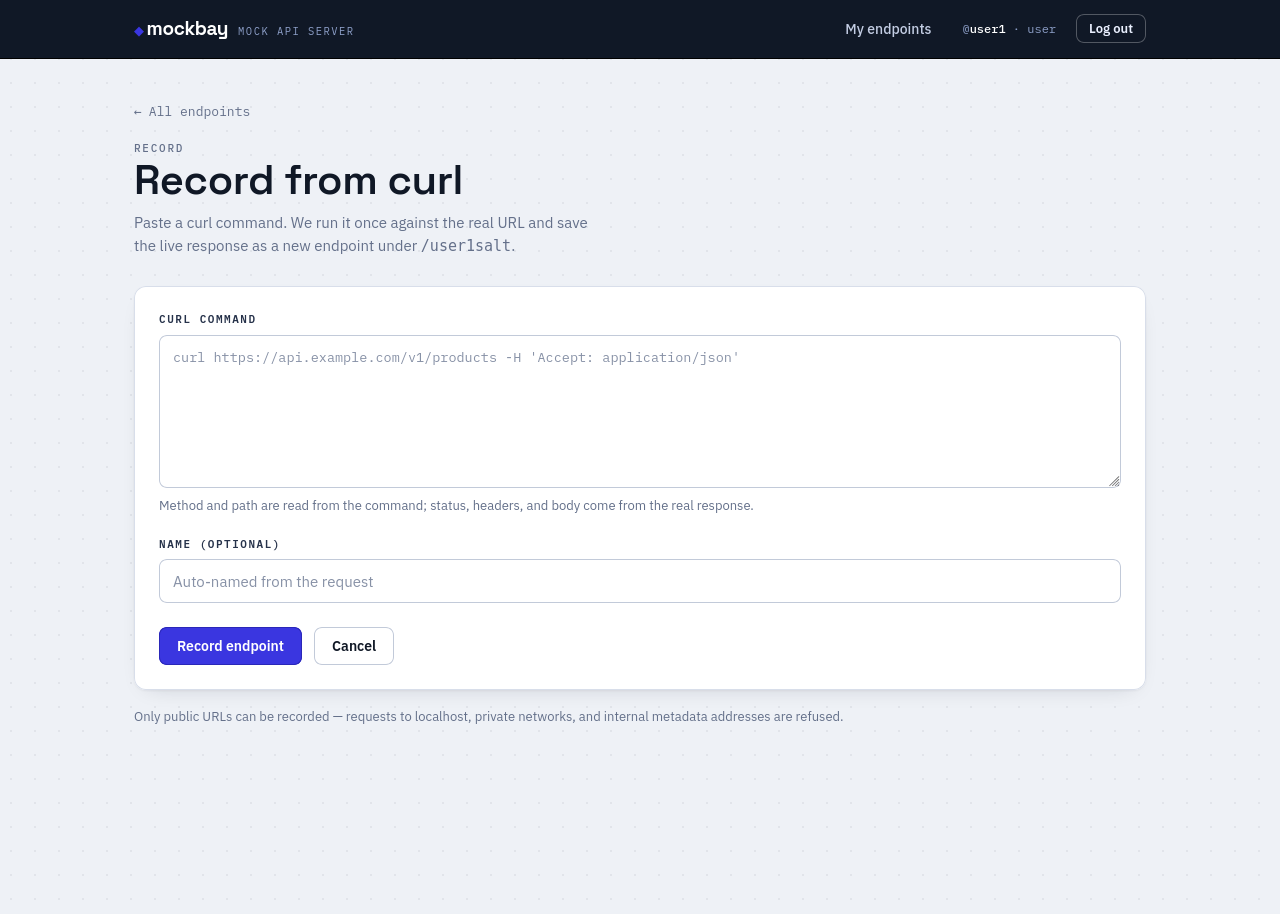
Record from a curl
Skip authoring by hand — capture a real API's response.
- Click Record from curl.
- Paste a full curl command (headers,
-dbody, and auth all work). - Press Record endpoint. mockbay calls the URL once and saves the live response — method and path come from the command.
STEP 05
Import from Postman
Stand up a whole API surface at once from a Postman collection — entirely offline, with no network calls.
- Click Import Postman.
- In Postman, right-click a collection → Export → Collection v2.1.
- Upload the
.jsonfile and import.
What gets imported
- Folders
- Walked recursively — every request becomes an endpoint.
- Method & path
- Read from each request's URL.
- Response
- The first saved example supplies status, headers, and body.
- No example
- Falls back to
200with an empty body.
STEP 06
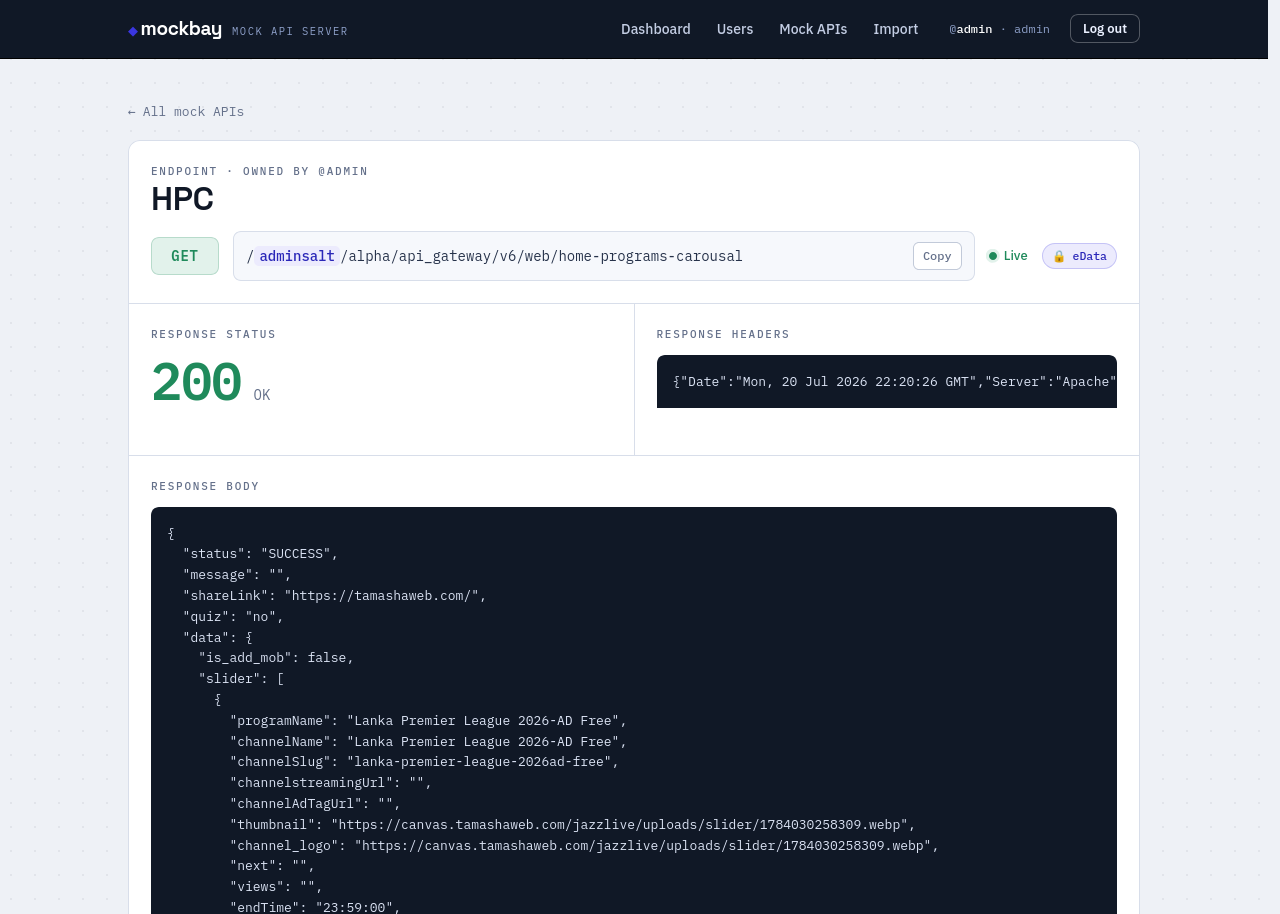
Encrypt the response
For gateways that wrap responses in an encrypted envelope.
- Edit the endpoint and turn on Encrypt response.
- Keep the body as readable JSON — mockbay encrypts it on serve.
- Clients receive
{ "eData": …, "code": … }; decrypting eData returns your JSON.
Part 2 · For admins
Manage every namespace
Admins can do everything above, for anyone — plus user management, search and bulk operations across all namespaces, copying endpoints between users, and traffic analytics.
STEP 01
Create & manage users
Open Users to add accounts. Each user gets their own namespace, generated for them.
- Click New user.
- Set a username — it's permanent and can't be changed later.
- Choose a role (user or admin) and a password.
- Save — the namespace is assigned automatically.
User fields
- username
- Set once at creation — permanent.
- namespace
- Auto-generated, unique, 4 letters. Read-only.
- role
useroradmin. Editable.- password
- Can be changed anytime.
STEP 02
Search & sort every endpoint
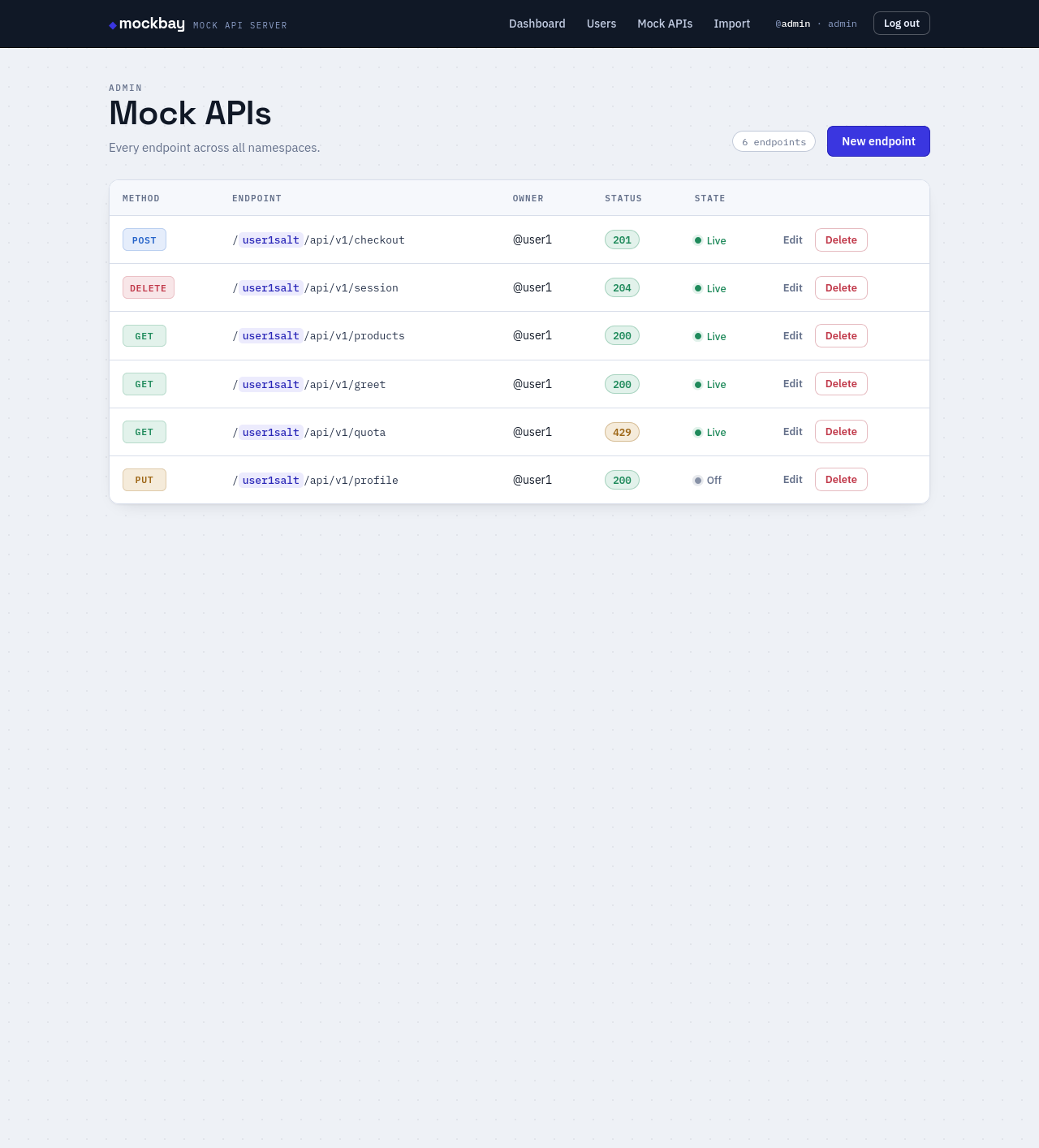
The Mock APIs page lists endpoints across all namespaces, each with its owner.
- Search by name, path, method, or owner.
- Click any column header to sort — click again to flip ascending/descending.
- Use Record from curl or Import Postman on behalf of any user — you pick the owner.
STEP 03
Bulk actions & copying across namespaces
Select endpoints with the checkboxes, then apply one action to all of them at once.
- Tick rows individually, or the header box to select all.
- Choose a bulk action and press Apply.
- For Copy to namespace, pick the target user — the selected endpoints are duplicated into their namespace.
Bulk actions
- Activate
- Turn the selected endpoints live.
- Deactivate
- Take them offline (they 404 until re-activated).
- Delete
- Remove them — asks for confirmation first.
- Copy
- Duplicate into a chosen namespace.
STEP 04
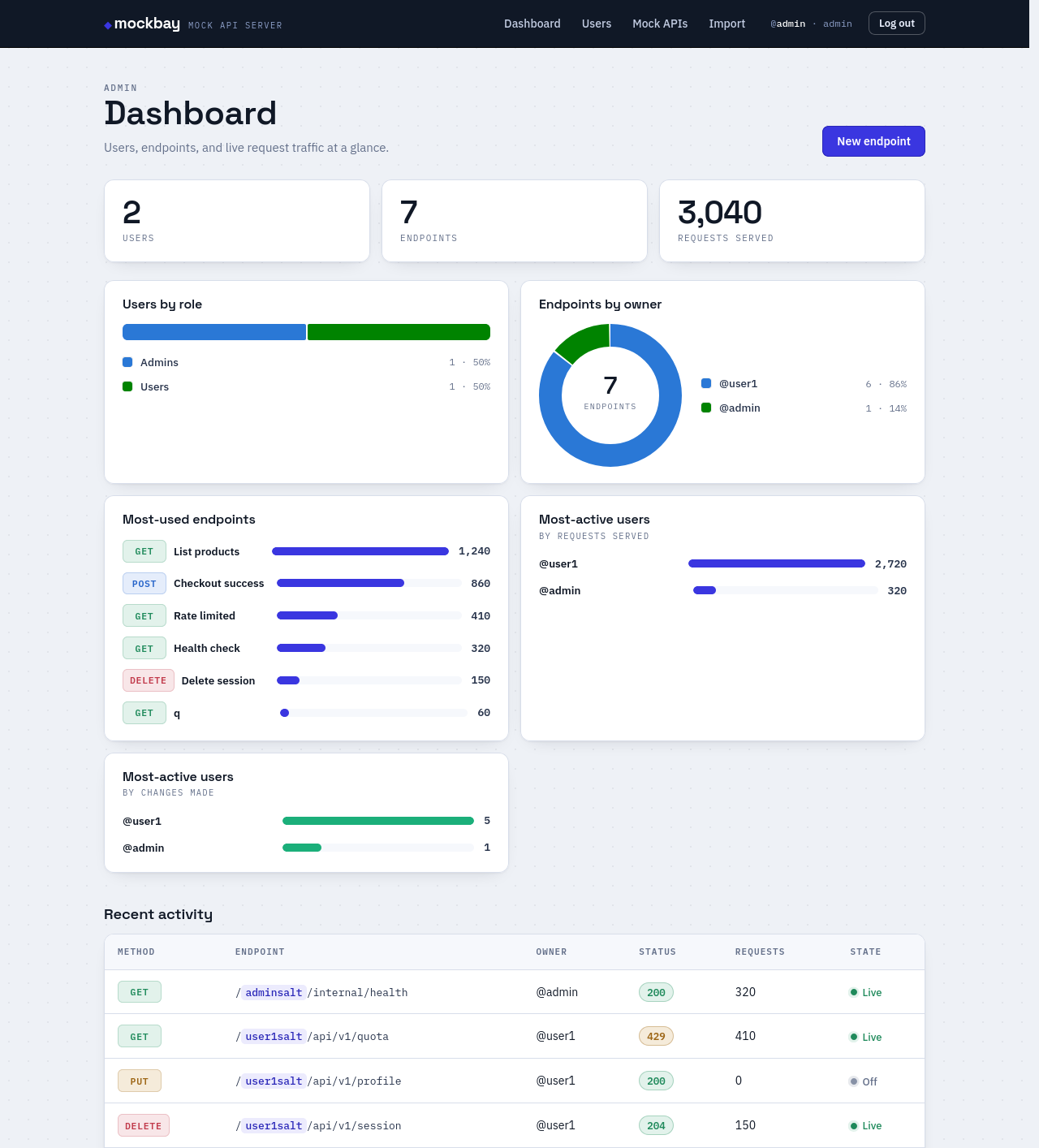
The analytics dashboard
The dashboard reads real traffic — every served request is counted as it happens.
- Totals up top: users (admins vs. users), endpoints, and requests served.
- Charts: users by role, endpoints by owner, and the most-used endpoints.
- Most-active users, shown two ways — by traffic and by changes made.